# /dev
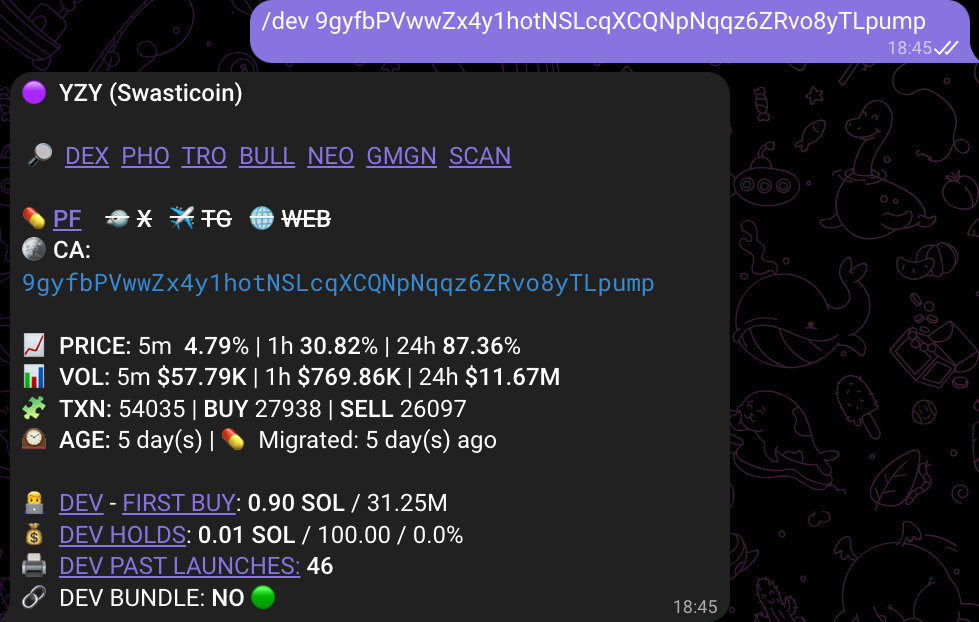
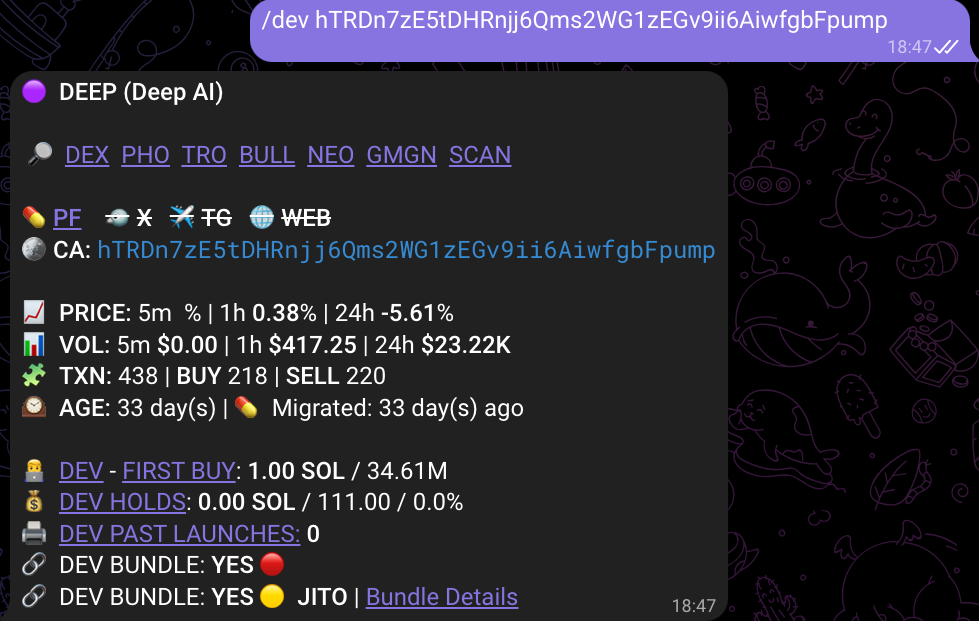
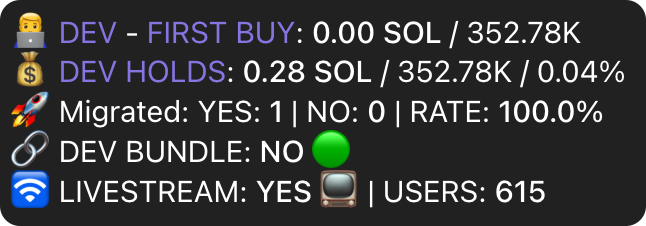
**The `/dev` command (or short `/d` for Telegram) shows info on dev's first purchase of the token, whether it was bundled, past launches and current holdings.**
### DEV info
{% tabs %}
{% tab title="DEV BUNDLE: NO" %}
{% endtab %}
{% tab title="DEV BUNDLE: YES" %}
{% endtab %}
{% endtabs %}
### How to read this section
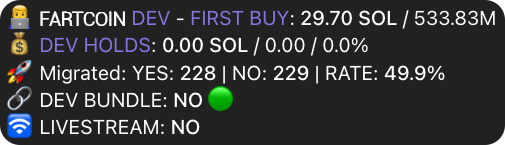
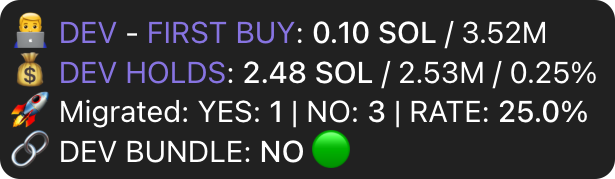
👨💻 **DEV FIRST BUY** - The size of the transaction that initiated the pump.fun pool, reflected in $SOL - shows how much SOL was the buyback.
* If any KOL wallet from our database is the dev of the token it will be reflected.
* If the dev address launched several tokens and some were successful, users will see the name of the token in the dev section
💰 **DEV HOLDS** - The precise amount of tokens, how much of a token supply it is in % and their value in $SOL held at the moment of the report.
**DEV BUNDLE**: YES:red\_circle:/NO:green\_circle:/JITO🟡 - Indicates whether there was a bundled buyback by the dev.
— if dev used jito bundle for the transaction but there was NO ACTUAL TOKEN BUYBACK - it will show 'JITO🟡' and you can check the link with bundle details. Sometimes devs use Jito for anti-MEV purposes.
**🚀 MIGRATED:** YES | NO | RATE - Shows how many tokens were launched by this developer wallet if any. Rate shows the ratio of tokens launched to tokens migrated, so users can see another success metric.
🛜**LIVESTREAM:** YES/NO, USERS COUNT. If there is a livestram active Runner will reflect it, showing also the number of users in the stream.
### Tips
→ Look at the dev-controlled supply. Typically, if dev buys more than 5% and it is undisclosed - it is a dump-like situation.
→ Dev past launches should not be the primary reason why you decide to ape or not. Such tokens still moon frequently. Usually the lifetime of a token is just shorter the higher the dev past launches number is.
***
⚡️**NOTE: Runner Bot is not a signal to buy, it is a tool which should enhance or speed up YOUR OWN RESEARCH. In no way Runner Bot reports constitute a financial advice. Please ape responsibly**